
Screenshots






App details
- Version
- 8.6.4
- Updated
- July 11, 2023
- Requires
- iOS 12.1.2
- Language
- English | German | Russian | Finnish | F...
- License
- Free
- Developer
- EYEEM GbR
- Category
- iPhone OS
SoftPas in:
This product is also available in the following languages:
About EyeEm
EyeEm: Creative Photo Sharing with Location & Filters
Overview
EyeEm is a mobile-focused photo application designed to merge photography with social interaction through real-time filters and location-based sharing. The app enables users to capture images, apply one of 12 built-in filters, and share them instantly across multiple platforms, including Twitter, Facebook, Flickr, Tumblr, and Foursquare. At its core, EyeEm emphasizes storytelling by prompting users to add titles, actions, and location metadata before uploading. This structured approach helps build context around each photo, enhancing discoverability and engagement. The app leverages geo-tagging to connect users with others in the same area or interested in similar topics, fostering a sense of community. It also integrates with device address books and external social networks to expand user connections. While the app is built for mobile devices, its functionality is entirely dependent on the hardware capabilities of the device, particularly camera quality and processing power. EyeEm is best suited for creative individuals, amateur photographers, and social media enthusiasts who value both visual expression and community interaction. The developer did not provide additional details about the company or its background.
Key Features & Capabilities
- Real-time photo filters – 12 built-in filters allow immediate visual enhancement of photos, enabling users to apply creative effects directly during capture or editing.
- Location-based sharing – Photos are tagged with GPS data, allowing users to view images from specific locations and connect with others nearby or interested in similar places.
- Multi-platform sharing – Content can be published directly to Twitter, Facebook, Flickr, Tumblr, and Foursquare, streamlining social media workflows.
- Storytelling metadata – Users are prompted to add titles, actions, and location details, enriching the context of each image and improving content discovery.
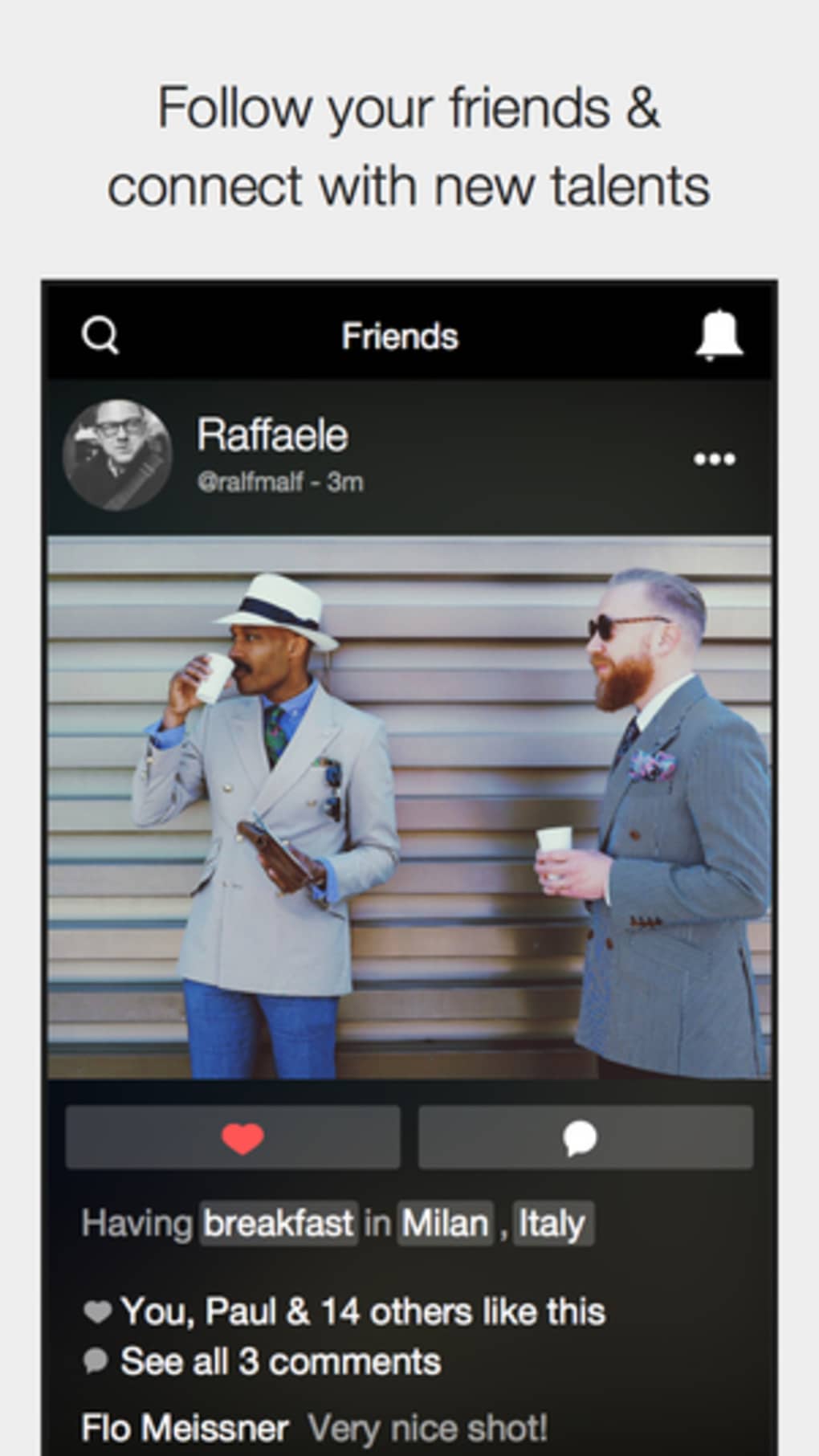
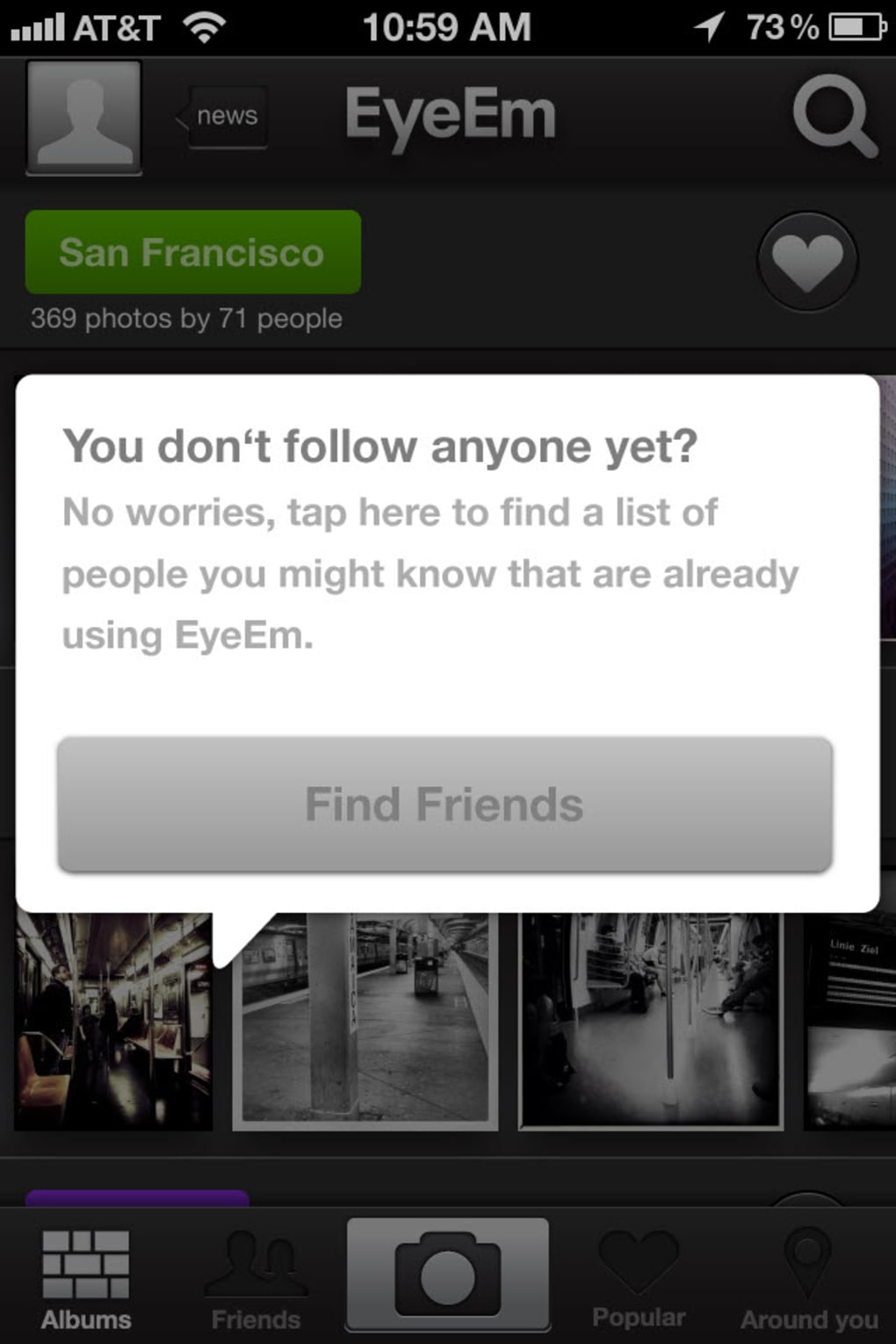
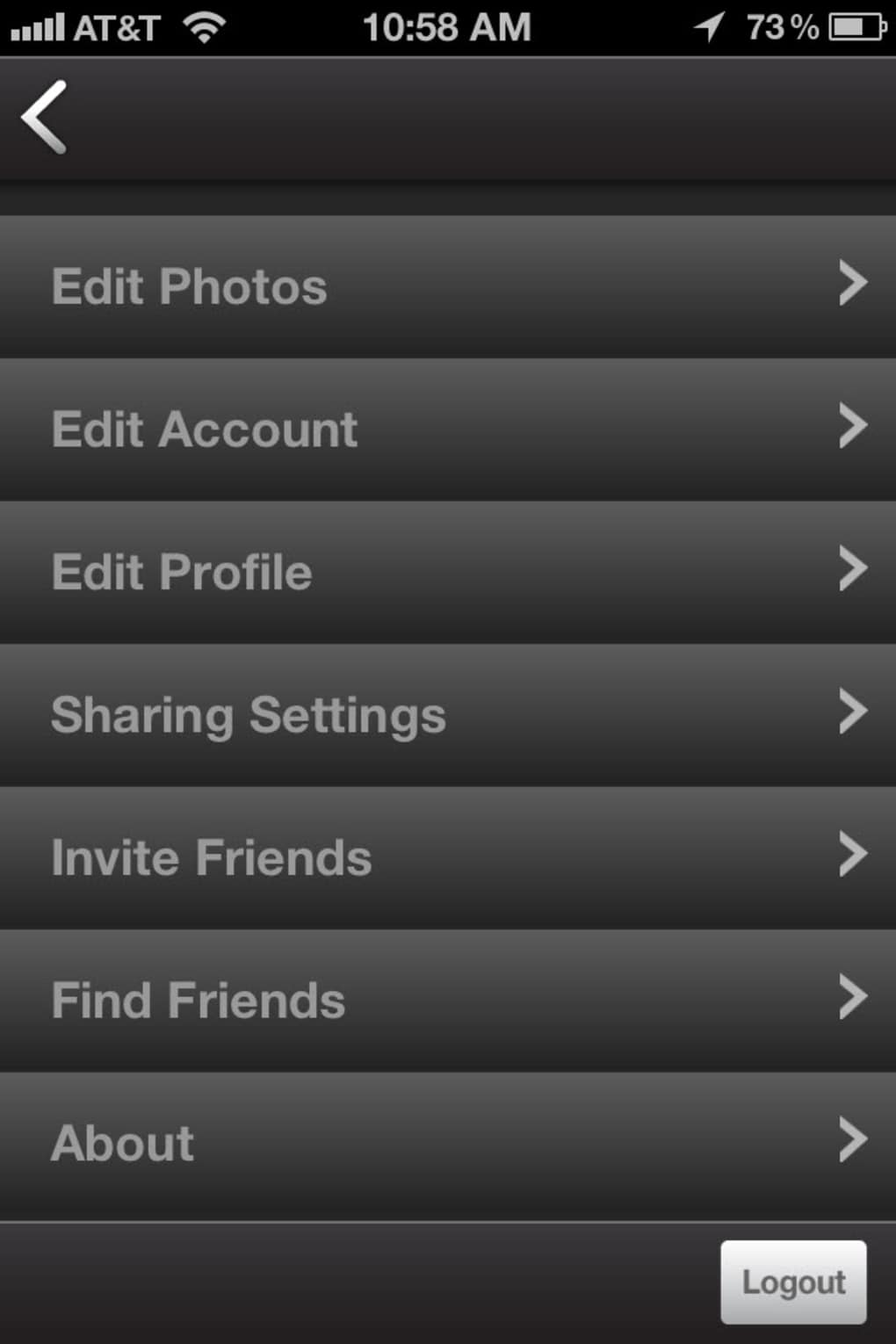
- Community networking – The app supports friend connections via device address books and social media accounts, expanding user reach and interaction.
- Simple user interface – Designed for intuitive navigation, the app requires minimal learning and supports quick photo capture and upload.
These features work together to create a seamless experience for users who want to share their visual stories while engaging with a broader creative community. For example, a traveler can take a photo at a landmark, apply a filter, tag the location, and instantly share it with others interested in that destination. Similarly, a local photographer might use the app to discover and interact with peers in their city, building collaborative opportunities. The integration of metadata and location data enhances content organization and increases the likelihood of content being discovered by relevant audiences.
User Interface, Workflow & Performance
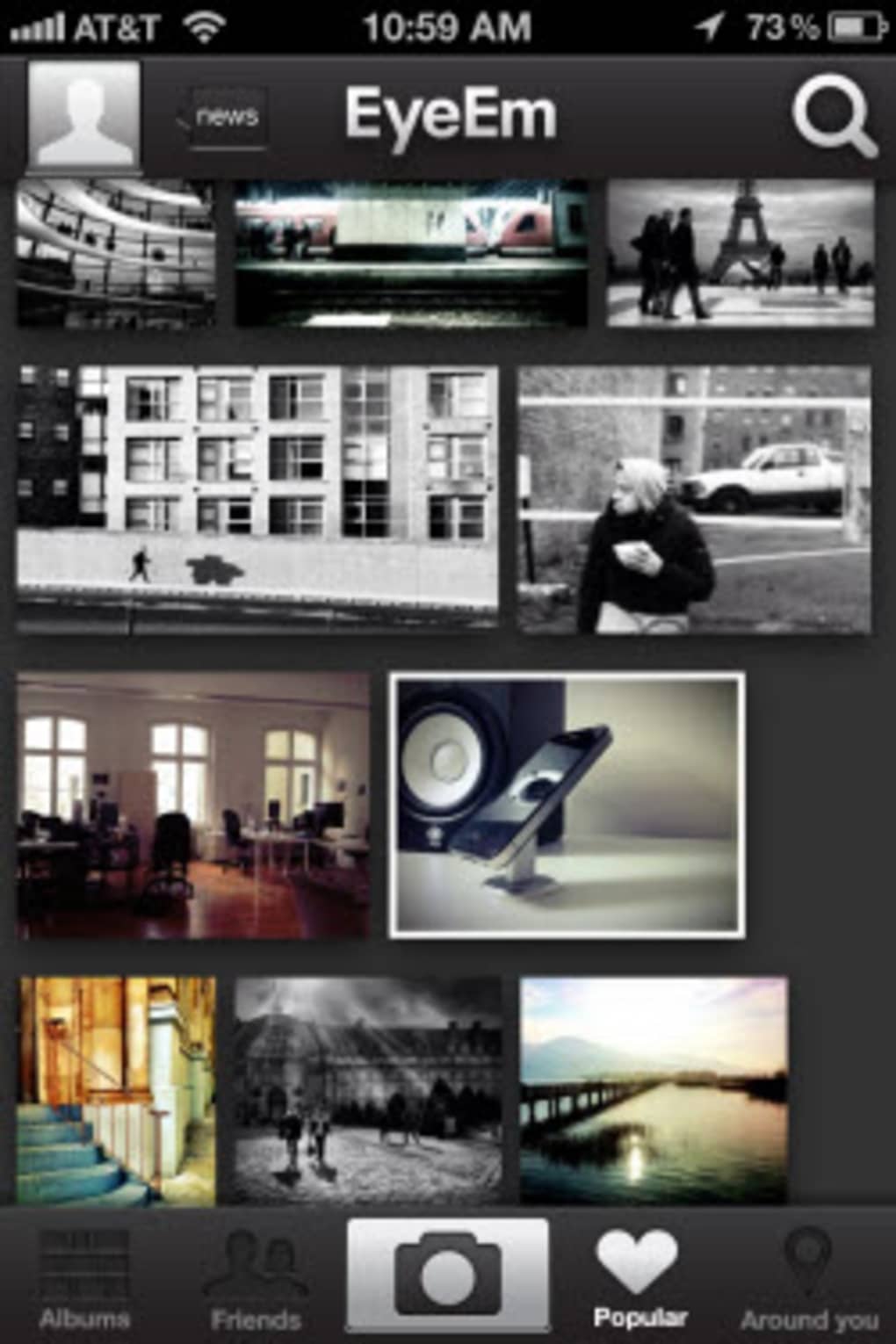
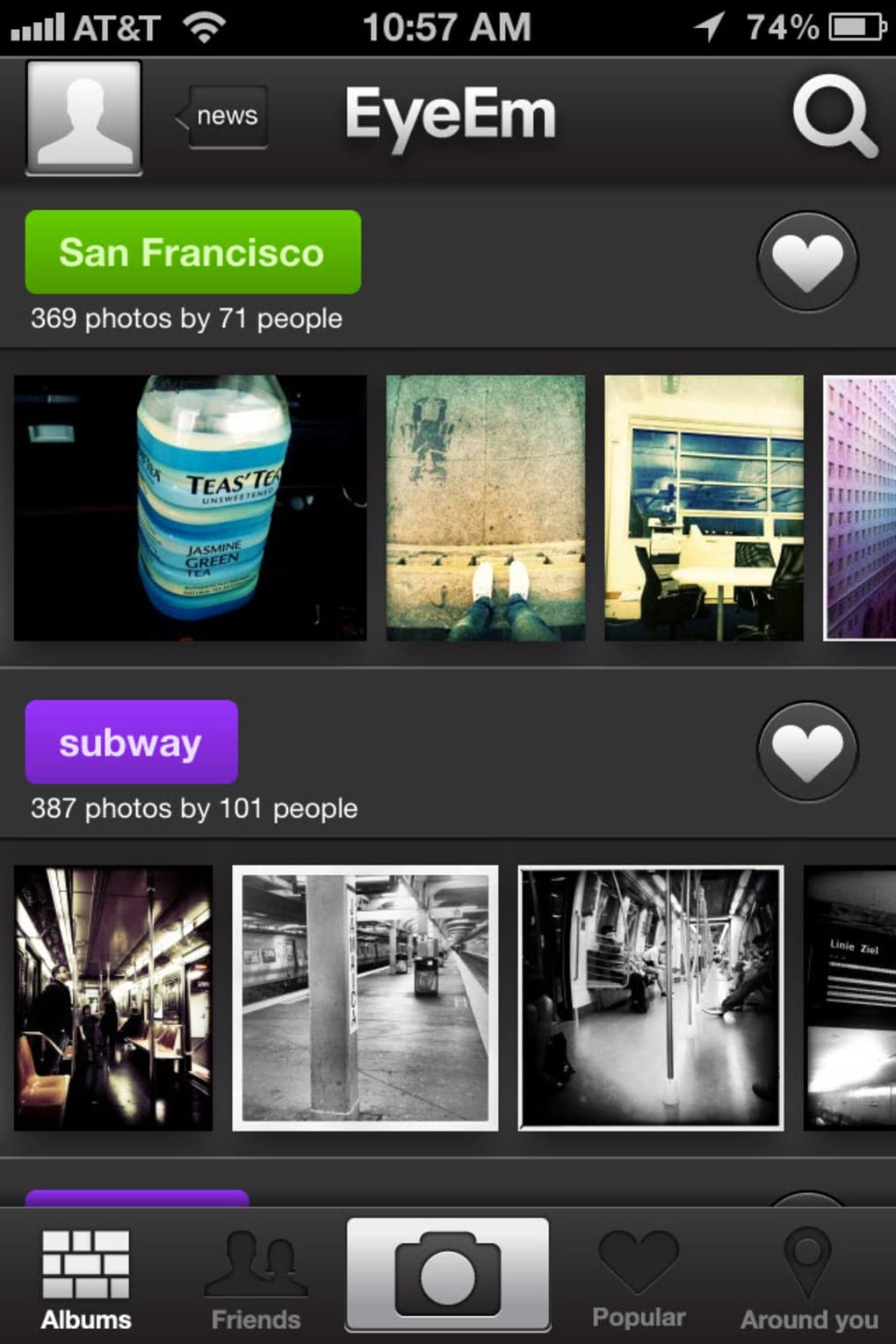
The user interface of EyeEm is clean, minimalistic, and designed for fast interaction. Navigation is straightforward, with primary functions—camera access, filter selection, and sharing—placed within easy reach. The layout uses bold color accents to highlight input fields, making it simple to add titles, actions, and location tags without confusion. The workflow follows a logical sequence: capture → edit → tag → share, which minimizes friction and supports rapid content creation. The developer did not specify resource usage details, so exact performance behavior remains unclear. However, based on general mobile app patterns, the app likely maintains responsive performance during standard use, with minimal lag during image capture and filter application. Stability during prolonged use and background operation was not disclosed. No information was provided about CPU or RAM consumption. Users may experience variations in performance depending on device capabilities and network conditions.
Compatibility & System Requirements
EyeEm is available for iOS and Android operating systems, with version 4.3.2 released on March 15, 2024. The application has a file size of 120 MB, which is typical for feature-rich mobile apps with image processing capabilities. The developer did not provide additional system requirements, such as minimum RAM, processor speed, or storage space needed for optimal performance. Compatibility information is limited to the supported platforms. Users should ensure their device meets the standard requirements for running modern mobile applications. The app may require access to camera, location services, and internet connectivity to function fully. No details were provided about support for older OS versions or device types.
Pros and Cons
Pros
- Intuitive interface with minimal learning curve
- 12 real-time filters for instant photo enhancement
- Strong integration with major social platforms
- Location-based discovery and community building
- Encourages storytelling through metadata tagging
- Free to download and use
Cons
- No detailed system requirements provided
- Performance behavior under load not specified
- Dependent on device camera quality for output
- Limited customization options for filters
- Requires active internet connection for full functionality
FAQ Section
Is EyeEm available for Windows or Mac?
EyeEm is currently available only for iOS and Android devices. There is no official desktop version for Windows or Mac.
Is EyeEm safe to use?
EyeEm requires access to camera, location, and internet services, which are standard for its functionality. Users should review the app’s permissions and privacy settings before use. The developer did not provide a public privacy policy or security audit details.
How often does EyeEm receive updates?
EyeEm was last updated on March 15, 2024. The update frequency is not publicly disclosed, but the app appears to be actively maintained.
Can I use EyeEm offline?
Basic photo capture is possible without an internet connection, but uploading and sharing content requires an active connection. Metadata tagging and location features are disabled offline.
What license type does EyeEm use?
EyeEm is a free mobile application with no subscription or in-app purchase details provided. The app is distributed under a proprietary license.
Final Thoughts
EyeEm stands out as a creative and community-driven photo app that successfully blends visual expression with social connectivity. Its real-time filters, location-based features, and multi-platform sharing make it a compelling choice for users who want to share their moments with context and style. The clean interface ensures a smooth experience, while the emphasis on metadata encourages thoughtful content creation. While the app lacks detailed technical documentation and is limited to mobile platforms, its core strengths lie in accessibility and engagement. Creative users, photographers, and social media participants will find value in its ability to connect them with like-minded individuals across the globe. The fact that it’s free enhances its appeal. For those seeking a simple yet powerful way to share photos with purpose, EyeEm delivers a meaningful experience.
Download EyeEm now
Guides & Tutorials
How to install EyeEm
- Click the Download button above.
- Once redirected, accept the terms and click Install.
- Wait for the EyeEm download to finish on your device.
How to use EyeEm
This software is primarily used for its core features described above. Open the app after installation to explore its capabilities.
User Reviews
No reviews yet. Be the first to share your experience.
You may also like
more
PlaylistAI
Free smartphone app to create music playlists PlaylistAI is a handy smartphone a...

Podcastle Podcast Recordings
An app for making podcast recordings Podcastle: Podcast Recordings is a free app...

harpy chat
Immersive role-play with AI characters harpy.chat is a free AI chat platform whe...

Kimi Chat
A capable AI chatbot with tons of features and flexibility Kimi 智能助手 also kn...

Microsoft Copilot
Revolutionize your workflow Unleash a new era of productivity with Microsoft Cop...

Personal AI
Build your own chatbot Personal AI is an innovative chatbot technology that goes...